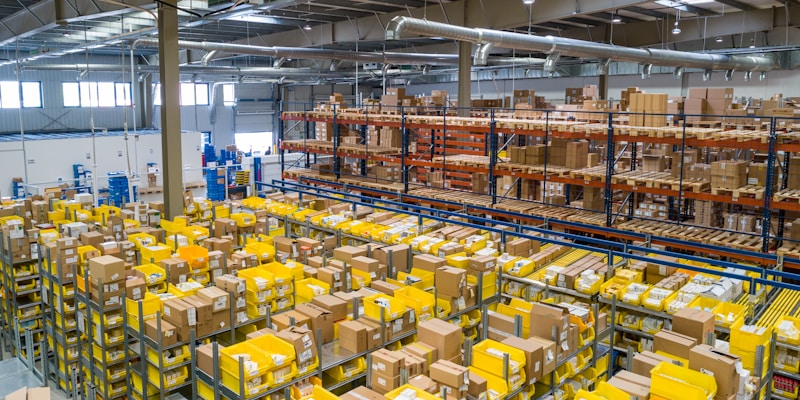

Getting Started with Warehouse Management System

Introduction
Welcome to the Warehouse Management System! This guide will help you get started with managing your warehouse operations efficiently.
A Warehouse Management System (WMS) is designed to streamline your warehouse operations, from inventory management to order fulfillment. Whether you're managing a single warehouse or multiple facilities, our system provides the tools you need to succeed.
Quick Start Guide
Step 1: Create Your Account
Our Warehouse Management System (WMS) is designed to streamline your warehouse operations, from inventory management to order fulfillment. Whether you're managing a single warehouse or multiple facilities, our system provides the tools you need to succeed.
Step 2: Set Up Your First Warehouse
- Company Name: Your organization's name
- Password: A secure password (minimum 8 characters)
- Email: Your business email address
Step 3: Add Products
- Save your warehouse configuration
- Upload a warehouse layout if available
- Enter warehouse details (name, address, capacity)
- Click on "Add Warehouse"
Once logged in, navigate to the Warehouses section and create your first warehouse:
Key Features Overview
- Assign products to warehouse locations
- Fill in product details (SKU, name, description, quantity)
- Click "Add Product"
- Go to the Products section
Next Steps
- Join our LinkedIn community for tips and updates
- Check our Knowledge Base for more articles
- Contact our support team at support@upwely.com
If you need assistance, you can:
Getting Help
- Use the mobile app for field operations
- Create standard operating procedures
- Ensure all team members understand the system
Train Your Team
- Review and adjust min/max stock levels
- Update product locations when items are moved
- Conduct regular inventory counts
Organize Your Warehouse
- Keep fast-moving items in easily accessible locations
- Group similar products together
- Use a logical naming convention for locations (e.g., A-01-01 for Aisle A, Rack 1, Shelf 1)
For advanced strategies, see our guide on inventory optimization techniques including ABC analysis and slotting strategies.
Best Practices
- Real-time Updates: Stay synchronized with the main system
- Task Management: View and complete assigned tasks
- Barcode Scanning: Scan products for fast data entry
- Beacon Navigation: Find products quickly using indoor positioning
Learn how beacon-based navigation technology can reduce pick times by up to 70%.
Our Android mobile app provides warehouse workers with:
Mobile App Integration
Access real-time reports and analytics to make informed decisions about your warehouse operations.
Real-Time Analytics
Process customer orders quickly with our streamlined order management system. Track orders from receipt to shipment.
Order Processing
Use our visual warehouse layout designer to optimize your storage space and improve picking efficiency.
Warehouse Planning
Efficiently manage all your products in one centralized system. Track SKUs, descriptions, quantities, and locations.